


This changelog covers documentation site updates, content improvements, and user experience enhancements. For API and SDK changes, see their respective changelogs in the API, Web SDK, Headless Web SDK, and Mobile SDK sections.
Improvements
-
Web SDK documentation: Updated
Patienttype documentation to reflect thatbirthDateandgenderproperties are now optional. -
Headless Web SDK documentation: Added documentation for the new
sessionTypeproperty in theuseAmbientSessionhook, helping developers understand how to detect and handle offline vs online sessions. - API reference improvements: Renamed the “Audio Transcription” to “Dictation” in the API reference documentation for better clarity and consistency with common terminology.
- Visual improvements: Enhanced workflow diagrams across documentation for better clarity and readability, making it easier to understand complex processes at a glance.
New Content
- Headless Web SDK documentation: Added comprehensive documentation for the new beta Headless Web SDK with guides, API reference, and examples for building custom integrations with complete UI control.
- Audio dictation guide: New Audio Dictation Guide covering session management, streaming, and transcript generation workflows for real-time audio transcription use cases.
- Audio dictation API reference: Added documentation for new REST and WebSocket endpoints for real-time audio transcription. See the API Reference for details.
Improvements
- Mobile SDK documentation: Added documentation for new visit context parameters in the mobile SDK ambient session guide, helping developers improve note generation accuracy.
- Navigation improvements: Reorganized SDK navigation structure and moved changelogs to a dedicated “Changelog” tab for easier access and better organization.
- Overview pages redesign: Redesigned API and SDK overview pages with enhanced card layouts and improved visual hierarchy for better user experience and faster content discovery.
- Visual consistency: Updated styling for quotes, callouts, and Mermaid diagrams to improve readability and visual consistency across all documentation pages.
- Compliance: Added cookie consent banner to the documentation site to comply with GDPR and CCPA regulations.
- Bug fixes: Resolved various documentation rendering issues and cross-browser compatibility problems.
Documentation Site Changes
- Redesigned landing page: Brand new landing page inspired by top AI documentation sites, designed for clarity and impact following Suki’s latest brand guidelines.
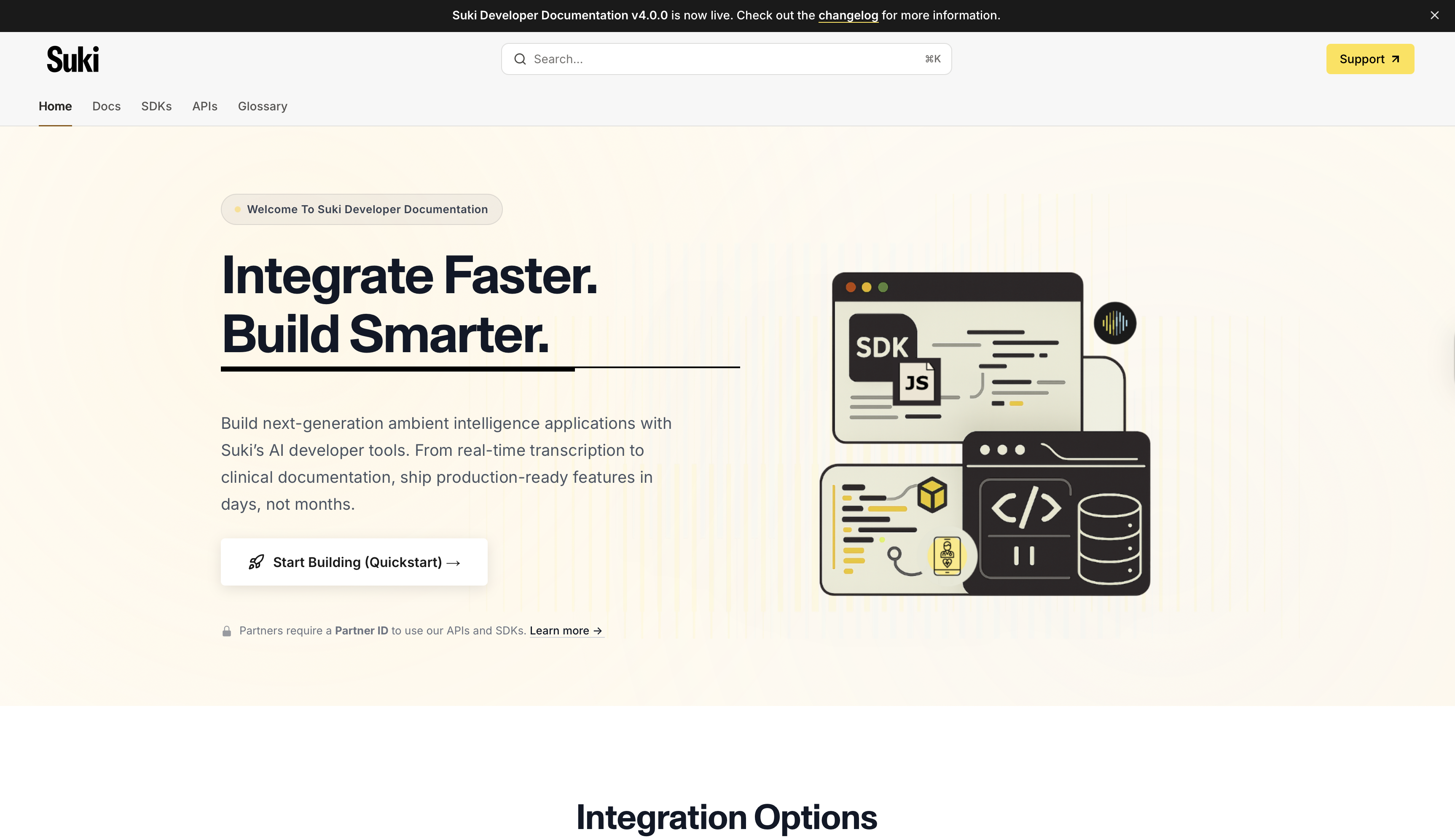
- Improved navigation: Enhanced navigation and information architecture for smoother content discovery and usability across all documentation sections.
- SDK navigation updates: With the new navigation structure, you can now navigate to SDK sections and subpages using dropdowns from the SDKs tab, making it easier to find relevant documentation.

- Visual updates: Updated graphics and visual elements following Suki’s latest brand guidelines for consistent branding across the documentation site.
- Enhanced search: Improved AI Assistant and search functionality with refined keyword optimization for better search results.
New Content
- Telehealth integration guide: New Telehealth guide added in the Web SDK section to support telehealth integrations and remote patient care documentation.
- MCP integration guide: New guide to help developers integrate the Suki Developer Documentation as an MCP service into their AI code editor, enabling AI-powered code assistance.
Improvements
- Web SDK documentation rewrite: Completely rewritten Web SDK section for improved readability, better organization, and enhanced developer experience.
- Types reference improvements: Completely rewritten the types reference page (Web SDK) for improved readability and developer experience, making it easier to understand type definitions and usage.
- Code examples: Added code examples for all SDP APIs, making it easier to integrate with the platform regardless of your preferred programming language.
-
Enhanced API documentation: Added proper property descriptions using
ResponseFieldcomponent in necessary places for API, Mobile SDK, and Web SDK reference documentation, providing clearer and more consistent documentation. - Bug fixes: Resolved various documentation issues and improved overall site stability.
Documentation Site Changes
- New quickstart guide: Comprehensive getting-started page with step-by-step integration workflows, helping developers get up and running faster.
- Improved UI/UX: Enhanced visual hierarchy, consistent styling, and mobile-responsive design for a better reading experience across all devices.
- Enhanced search: Improved content organization and searchability across all documentation, making it easier to find relevant information.
- Integration decision guide: New guide to help developers choose between API, Web SDK, and Mobile SDK based on their specific needs and use cases.
- API reference tags: Added visual indicators for new, updated, deprecated, and early access features, making it easier to identify the status of API endpoints and features.
- Mobile SDK reorganization: Reorganized and created new mobile SDK pages for better organization and easier navigation.
New Content
- Ambient documentation guide: Comprehensive guide explaining how ambient documentation works, providing developers with a deeper understanding of the technology.
- API documentation guidelines: New page to help developers understand API status tags like new, updated, deprecated, and early access, ensuring consistent understanding across the documentation.
Improvements
- Navigation improvements: Renamed “Documentation” tab to “Introduction” for better clarity and reorganized platform guides into a dedicated tab for better organization.
- Enhanced cross-linking: Improved internal linking between related documentation sections, making it easier to discover related content.
- Mobile experience: Enhanced mobile navigation and reading experience for better usability on mobile devices.
- Glossary enhancements: Improved glossary organization by adding alphabetical navigation links, allowing users to quickly jump to terms starting with a specific letter.
Improvements
- Glossary: Added a new glossary page to help you understand the terminology used throughout the documentation, making it easier to navigate technical concepts.
- Platform overview: Created a new overview page for platform documentation to help you understand the platform and its capabilities at a glance.
- Enhanced API specifications: Enhanced many API specifications with better examples and descriptions for most endpoints, improving clarity and reducing integration time.
- Response examples: Corrected and added comprehensive response examples for most endpoints, making it easier to understand expected API responses.
- Content improvements: Rewritten and improved many guides and existing pages to make them more readable and informative according to Suki’s documentation standards.
Documentation Site Foundation
- Initial launch: First version of the Suki Developer Documentation site, providing a centralized location for all developer resources.
- Core content: Basic API reference, SDK guides, and getting started documentation to help developers begin integrating with the Suki platform.
- Search integration: Implemented full-text search across all documentation, making it easy to find relevant information quickly.
- Brand integration: Applied Suki branding (v1) and design system for consistent visual identity across the documentation site.
How To Stay Updated
Banner Notifications
Important updates are announced via site-wide banners at the top of every page
Changelog Subscription
Bookmark this page and check back regularly for the latest documentation updates
Have suggestions?We’re always looking to improve our documentation. Contact our team with feedback, requests for new content, or suggestions for better organization.